
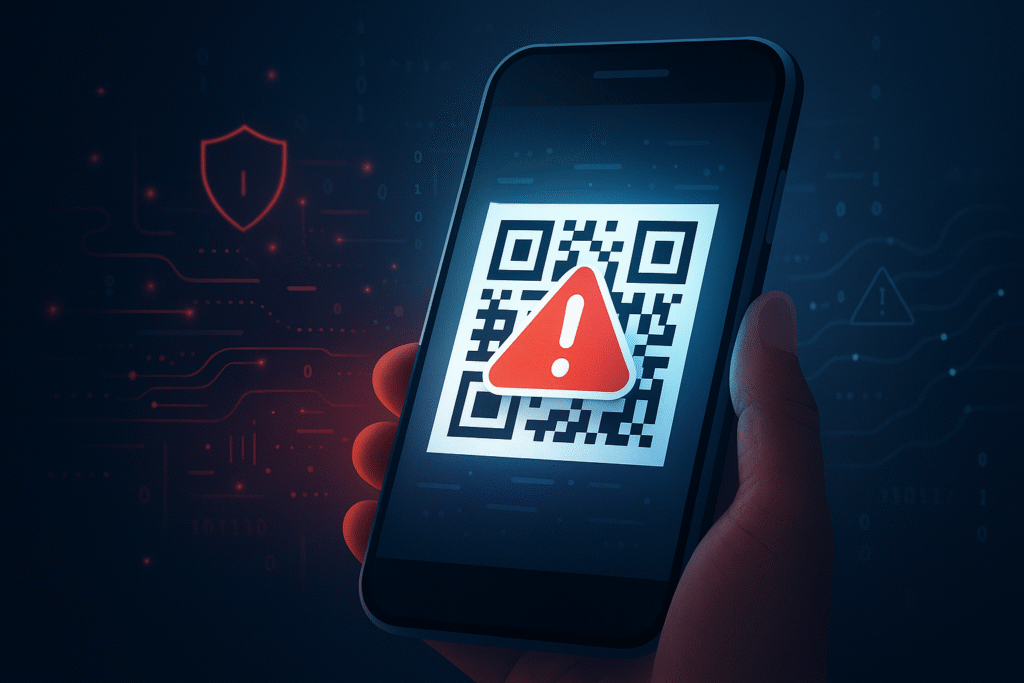
QR codes are everywhere—restaurants, parking meters, concert venues, airport kiosks, retail stores, and even utility bills. Their convenience has made them a universal digital shortcut. But that same convenience has also made QR codes a powerful tool for cybercriminals.
In recent years, QR code scams have surged worldwide, with attackers using fake codes to steal financial information, install malware, or redirect unsuspecting users to fraudulent websites. The problem has grown quickly enough that cybersecurity agencies—including the FBI—have issued public warnings about malicious QR code activity.
Understanding how these scams work, how to protect your mobile device, and how to maintain proper camera app hygiene is essential for staying safe.
QR codes are everywhere—restaurants, parking meters, concert venues, airport kiosks, retail stores, and even utility bills. Their convenience has made them a universal digital shortcut. But that same convenience has also made QR codes a powerful tool for cybercriminals.
In recent years, QR code scams have surged worldwide, with attackers using fake codes to steal financial information, install malware, or redirect unsuspecting users to fraudulent websites. The problem has grown quickly enough that cybersecurity agencies—including the FBI—have issued public warnings about malicious QR code activity.
Understanding how these scams work, how to protect your mobile device, and how to maintain proper camera app hygiene is essential for staying safe.
What Are QR Code Scams?
A QR code scam occurs when a cybercriminal replaces or mimics a legitimate QR code to trick users into performing dangerous actions on their mobile devices.
Common Types of QR Code Scams
1. Fake QR Code Sticker Overlays
Scammers place fraudulent stickers on:
- Parking meters
- Restaurant tables
- Posters
- ATM screens
- Public transit ads
These redirect you to malicious payment portals or phishing sites.
2. Phishing Links (Quishing)
The QR code directs you to a website that:
- Steals login credentials
- Captures credit card information
- Requests sensitive personal data
3. Malware Downloads
Some malicious QR codes initiate an automatic download:
- Spyware
- Ransomware
- Keyloggers
- Banking trojans
4. Payment Diversion
Scammers swap out legitimate payment QR codes, causing the user’s money to be routed to criminal accounts.
5. Wi-Fi Network Spoofing
A QR code that automatically connects your device to a rogue Wi-Fi hotspot, giving hackers access to your traffic.
How QR Code Scams Work
While the scam itself may appear simple, the execution is surprisingly sophisticated.
Step-by-Step Breakdown
1. The Attacker Creates a Malicious QR Code
This code points to:
- A lookalike phishing site
- A URL with embedded malware
- A fraudulent payment portal
- A malicious Wi-Fi configuration
2. The Attacker Deploys the Fake QR Code
They place it in high-traffic areas, often covering the original code.
3. The Victim Scans It Without Noticing
QR codes are trusted by default, and visually, a fake code looks identical to a real one.
4. The Device Opens the Link or Downloads a File
Depending on mobile settings, this may happen automatically.
5. The Attack Begins
The victim may unknowingly:
- Grant permissions
- Enter sensitive information
- Connect to a rogue server
- Install malicious software
The entire process can happen in under 10 seconds.
Why QR Code Scams Are Rising
1. Increased QR Code Adoption Post-2020
COVID-19 forced businesses into contactless interactions:
- Menus
- Tickets
- Check-ins
- Payments
- Pickup orders
This mass adoption created an easy target.
2. User Trust and Habituation
People scan QR codes without second thought, assuming they’re safe.
3. Mobile Device Reliance
Smartphones store:
- Banking apps
- Password vaults
- Photos
- Identity documents
A compromised phone is a goldmine for criminals.
4. Ease of Deployment for Attackers
Creating and placing a malicious QR code takes minutes—and is nearly untraceable.
Mobile Protections: How to Secure Your Device From QR Scams
Protecting yourself doesn’t require special software—just smart digital habits and basic security hygiene.
1. Inspect the QR Code Before Scanning
Look closely for:
- Sticker overlays on restaurant menus, parking meters, or posters
- Misaligned QR labels
- Peeling corners
- Suspicious placement
If something looks “off,” don’t scan.
2. Preview the URL Before Opening It
Most modern camera apps allow you to preview the URL before tapping it.
Questions to Ask:
- Does the domain look legitimate?
- Are there misspelled words?
- Does it use HTTPS?
- Is the URL unusually long or full of random characters?
Never open a link unless you are confident it’s safe.
3. Disable Automatic Actions
Ensure your device does not automatically:
- Open URLs
- Download files
- Join Wi-Fi networks
These settings introduce unnecessary risk.
4. Use a Secure Mobile Browser
Browsers like:
- Chrome
- Safari
- Firefox Focus
- Brave
…offer phishing and malware detection.
A secure mobile browser adds a second line of defense.
5. Keep Your Device Updated
Mobile OS updates patch vulnerabilities that hackers often target.
Always Update:
- iOS / Android
- Browser apps
- Security apps
- Banking apps
Outdated devices are significantly easier to exploit.
6. Enable Biometric and Multi-Factor Authentication
Even if your device is compromised, MFA reduces the chance of account takeover.
7. Use Security Apps or Built-In Protections
Many devices have built-in protections:
- Apple’s “App Privacy Report”
- Android’s “Google Play Protect”
- Samsung Knox
- Third-party antivirus solutions
These can flag suspicious activity after a malicious QR scan.
Camera App Hygiene: Staying Safe When Scanning
Your camera app is now a gateway to the internet—so treat it like one.
1. Clear Your Camera App’s Cache + Permissions
On Android and iOS:
- Limit which apps can access your camera
- Disable default browser auto-opening
- Reset permissions for apps you don’t trust
2. Avoid Third-Party QR Scanner Apps
Many are:
- Adware-filled
- Poorly maintained
- Data-harvesting tools
- Trojan delivery channels
Use your phone’s built-in camera app—it’s safest.
3. Turn Off Access When Not Needed
Apps should not have constant camera access.
Restrict permissions for:
- Social media apps
- Shopping apps
- Unknown apps
- Games
Attackers can abuse camera permissions in compromised apps.
4. Don’t Store Sensitive QR Codes in Screenshots
QR codes containing:
- Crypto wallet addresses
- Private tickets
- Two-factor authentication keys
…should not be stored long-term. If your phone is compromised, these codes expose crucial information.
Red Flags to Watch When Scanning QR Codes
Here are signs that a QR code may be malicious:
1. The Code Is Placed on a Sticker
Legitimate businesses rarely use taped or stickered QR codes unless indicated.
2. The URL Doesn’t Match the Brand
Scanning a restaurant QR menu should not take you to:
- A URL shortened with bit.ly
- A random string of characters
- An unrelated domain
3. You Are Prompted to Install an App
This is a major red flag.
4. A Payment Page Appears Unexpectedly
Especially for:
- Parking
- Tolls
- Donations
5. You’re Asked for Personal or Financial Information
No legitimate QR menu or flyer should request:
- Social Security numbers
- Full credit card details
- Passwords
6. Pop-Ups or Redirects Appear
Malicious QR codes often redirect several times to conceal their source.
If You Think You Scanned a Malicious QR Code: What to Do
Step 1 — Close the Page Immediately
Do not enter any information.
Step 2 — Clear Browser History + Tabs
Helps reduce tracking scripts.
Step 3 — Run a Security Scan
Use your device’s built-in security tools or antivirus apps.
Step 4 — Change Passwords
Especially for:
- Banking
- Social media
- Payment apps
Step 5 — Monitor Accounts
Look for:
- Fraudulent transactions
- Unauthorized logins
- Password reset attempts
Step 6 — Reset Device If Necessary
If malware is suspected, a factory reset may be required.
Final Thoughts: Stay Smart, Stay Skeptical, Stay Secure
QR codes aren’t going away—and neither are QR code scams. As technology evolves, attackers will continue leveraging QR codes as low-cost, high-reward gateways into mobile devices.
Staying safe means:
- Inspecting codes before scanning
- Previewing URLs
- Keeping your device software updated
- Practicing strong camera app hygiene
A few extra seconds of caution can prevent financial loss, identity theft, and device compromise.
QR codes are powerful tools—but only when used safely.