
Cyber threats are like the White Walkers of our digital world. They are silent, relentless, and always changing. But, your personal accounts don’t have to fall victim. Think of banking security as strong armor. One weak spot shouldn’t ruin everything.
Let’s talk about the first line of defense: password security. Using “Password123” for your account is like defending with a cardboard sword. Modern multi-factor authentication is like a digital bouncer. It keeps your money safe, even if someone gets your login info.
Most security breaches aren’t high-tech. They’re simple mistakes. One reused password can ruin your whole financial world. Password managers are like your personal assistant. They keep all your passwords safe and organized.
For those who use their phones a lot, mobile banking tips are key. It’s not just about avoiding public Wi-Fi. Your expensive phone needs better protection than your cheap coffee. We’ll show you how to make your phone and money safe without needing a tech degree.
Recognizing Banking Scams
Modern banking scams are sneaky, like a friend who borrows your phone and then disappears. Phishing attacks have changed from obvious emails to clever social media tricks. Even tech-savvy people can fall for them.
Consider this: 31% of financial scams target small businesses and individuals. They use social engineering tactics to trick people into sending money or buying fake tickets.
| Legit Alert | Fraudulent Alert |
|---|---|
| “Your bank: We noticed a $1,200 transfer. Reply YES to confirm.” | “URGENT: Your account will be locked in 2 hours! Click here ➡️ bank-security-verify.com” |
| Generic greeting + specific transaction details | Threatening language + shortened suspicious link |
If you spotted the second one, you dodged a $10 billion phishing scam. But scams aren’t just in emails. Social media privacy issues make Instagram DMs dangerous, like those fake Taylor Swift tickets.
Here are three signs your “cousin’s emergency” might be a scam:
- Requests for immediate payment via peer-to-peer apps
- Grammar mistakes that even a middle-schooler would catch
- Pressure to bypass normal security protocols
The key to banking security is to be cautious. Before clicking on a link, think: Would my bank really ask for personal info on TikTok? They’d probably send a carrier pigeon instead.
Strong Login Practices
Digital hygiene is like flossing for your online safety. Yet, 43% of Americans would skip creating strong passwords over wrestling a raccoon (Source 1). Your banking details are more than just access to money; they’re your financial identity’s VIP pass.
The Password Paradox
Using weak passwords like “Password123” for banking is like using a screen door to protect Fort Knox. Recent hacks show our shared weakness:
- “123456” (23 million users)
- “qwerty” (4 million devotees)
- “iloveyou” (1.3 million romantics)
These aren’t passwords; they’re hacker invitations. Source 3 reveals 65% of people reuse these weak passwords across accounts. This creates a domino effect when one account is hacked.
Your Account’s Secret Handshake
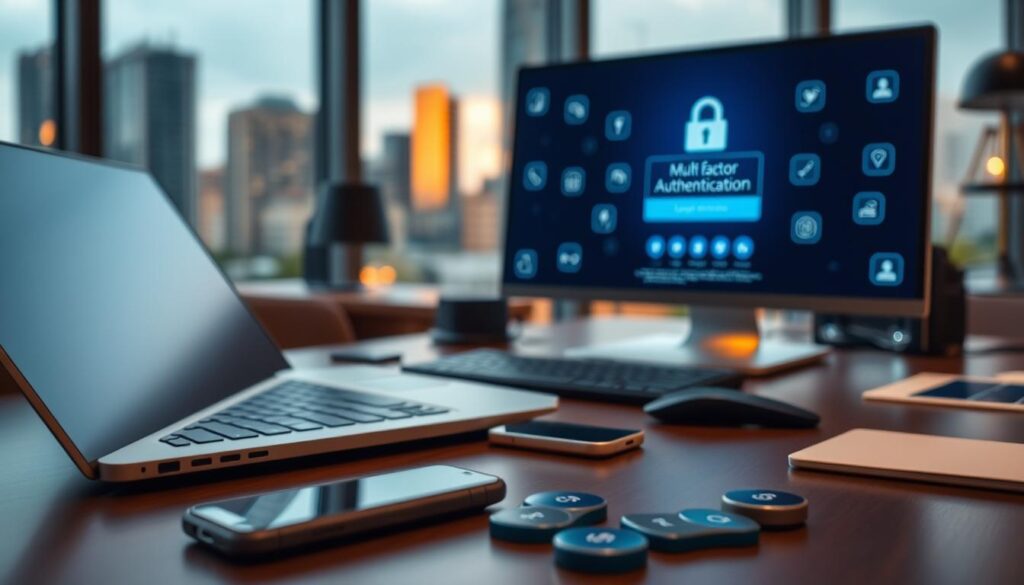
Multi-factor authentication (MFA) is your financial shield. It’s like:
- Something you know (password)
- Something you have (phone)
- Something you are (fingerprint)
Banks with MFA stop 99.9% of automated attacks. Yet, 30% of smartphone users ignore lock screens (Source 2) – leaving their digital security vulnerable.
Pro tip: Mix strong passwords with MFA’s strong defense. Your checking account is not a Netflix subscription; treat it with the utmost care.
Transaction Alerts
Ever wonder why smoke detectors chirp at 3 AM for no reason? It’s annoying, but it’s life-saving. Transaction alerts are like that too. They might be a small bother, but they could save your money from big trouble.
Modern online payments make sending money as easy as sending a meme. Venmo’s payments look like pizza slices, but they’re as secure as military secrets. But, beware of scams. Wirefraud Wendy learned the hard way about a $1,200 “emergency concert ticket” that wasn’t hers.
Here’s how to use alerts wisely:
- Thresholds are the new bouncers: Set $500+ transactions to trigger instant notifications – your version of a velvet rope policy
- POS security isn’t just for stores: Enable alerts for real-time transaction alerts on every card swipe, app payment, or digital wallet tap
- Location-based lockdown: Get pinged when purchases happen outside your zip code (because your debit card shouldn’t vacation in Bali without you)
Banking apps now offer more customization than a TikTok feed. You wouldn’t ignore smoke in your living room. So, why ignore financial alerts? Add biometric logins for extra security that would impress Jason Bourne.
Remember: Fraudsters love complacency more than your grandma loves holiday spam calls. Treat transaction alerts like your personal financial watchdog. It never sleeps, never takes bribes, and doesn’t need bathroom breaks.
Avoiding Public Device Logins
Public computers are like porta-potties: useful in emergencies but not for everyday use. Hackers hide on shared networks, waiting to steal login details. The 2013 breach at Target shows how weak links can be hard to spot.
Free WiFi at your local coffee shop is as private as a Times Square billboard. Here’s your Starbucks Survival Guide for mobile banking:
- Never auto-login: Treat “Remember Me” like a ex who knows your Netflix password
- VPN or bust: Encrypt your connection faster than a barista spells your name wrong
- Beware shoulder surfers: That guy ‘reading’ over your shoulder? He’s memorizing your CVV code
| Scenario | Risk Level | Secure Alternative |
|---|---|---|
| Airport WiFi | 🔥🔥🔥🔥 | Mobile hotspot + VPN |
| Library Computer | 🔥🔥🔥🔥🔥 | Smartphone biometric login |
| Hotel Business Center | 🔥🔥🔥 | Tablet with encrypted browser |
Safe internet browsing isn’t about being paranoid. It’s about outsmarting hackers. Ask yourself: Would you leave your wallet on a café table? If not, why trust a public device with your financial info?
Card Security
Let’s talk about the elephant in the wallet: that flimsy magnetic stripe clinging to your card. Using one for online payments in 2024 is like defending Fort Knox with a screen door. It’s quaint but naive. Enter EMV chips: the digital vault doors that turn your card into a James Bond gadget.
Gas stations have become modern-day Trojan horses. Those innocent-looking pumps? Perfect clones hiding skimmers – the identity thieves’ favorite party trick. Source 1 reports 69% of businesses faced payment system attacks last year. Think of every swipe as rolling dice in a cybercriminal’s casino.
Here’s your playbook for card banking security:
- Treat magstripes like fax machines – nostalgic but obsolete
- Activate transaction alerts faster than a Marvel hero suits up
- Freeze unused cards like Han Solo in carbonite (check your banking app’s cryo-chamber)
Modern secure online banking apps let you pause cards with a tap – no need to actually cancel them. It’s the financial equivalent of putting your assets in suspended animation. Heard about the latest chip technology from Source 2? It’s like giving your card its own Iron Man armor.
Remember: Every time you use contactless payment, a skimmer dies of loneliness. Stay frosty out there.
Reviewing Statements
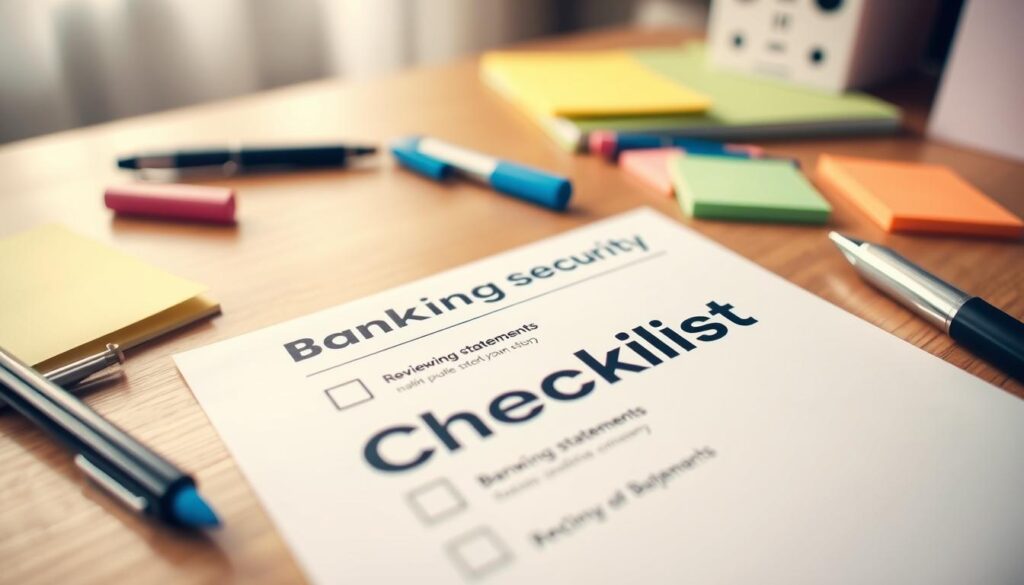
Your monthly statement is like Schrödinger’s fraud alert – until you open it, every charge exists in a quantum state between legitimate and suspicious. Let’s talk about becoming the Sherlock Holmes of banking security, magnifying glass in one hand and digital banking app in the other.
Remember the Equifax breach? Hackers didn’t storm the gates – they slipped through $1.98 test charges most people ignored. These micro-transactions are the termites of personal finance, chewing through your financial foundation while you’re binge-watching true crime documentaries about… financial crimes.
The Fraudster’s Playbook Exposed
Criminals bank on our collective oversight. Here’s their strategy:
| Fraud Type | Average Amount | Detection Window |
|---|---|---|
| Subscription Creep | $4.99 | 3-6 months |
| Card Skimming | $78.50 | 14 days |
| Phishing Charges | $129.99 | Immediate |
Notice how the most dangerous threats wear camouflage? That $4.99 “storage fee” from CloudCorp™ might be the canary in your financial coal mine. Modern online payments systems make it easier to spot these – if you know where to look.
Three Signs You’re Being Played
- Charges that sound like indie band names (“AzureFalcon Services”)
- Decimal points that don’t add up (Why $19.9712?)
- Merchants located in your browser history’s Bermuda Triangle
Set calendar alerts labeled “Fraud Friday” – because nothing says adulting like combing through transactions instead of hitting happy hour. Better yet, use mobile banking tips from your provider’s security hub to automate surveillance.
Pro tip: Cross-reference statements with your budgeting app. That $12.99 “membership fee” you approved in February? By August, it’s morphed into $14.99 with a side of $3.99 “convenience charges.” Financial leaks sink budgets faster than icebergs sank the Titanic – and we all know how that ended.
Emergency Steps if Hacked
When cybercriminals strike fast, you need a quick plan. Think of it like the fast-paced plot of Breaking Bad. Here are three key steps to act fast:
Think of your hacked accounts as a bad neighbor from Office Space. You need to shut them down quickly. Here’s how to do it:
| Action | Normal Time | Emergency Speed |
|---|---|---|
| Cancel Cards | 3 business days | 11 minutes (bank app speedrun) |
| Password Reset | “Later” | Immediate nuclear codes rotation |
| Fraud Alerts | Maybe tomorrow | Faster than HBO Max removing content |
Credit Freeze: The Fort Knox Maneuver
Freezing your credit is a smart move. It’s like hiding your money in a desert junkyard. Follow these steps:
- Contact all three bureaus at once (like herding cats)
- Set PINs that are as complex as a Christopher Nolan movie
- Keep a close eye on your accounts like Walter White watches his stash
Pro Tip: The FTC says 40% of identity theft victims find out through credit monitoring. Make it your new favorite show.
FBI Reporting: Better Call Saul (Or Just the IC3)
Filing a cybercrime report is like leaving a trail of evidence for Saul Goodman. Here’s how to do it:
- Document everything like you’re telling a true crime story
- Use the IC3 portal – it’s like a digital DEA wiretap
- Follow up like Jesse Pinkman on a mission for revenge
In 2023, the IC3 got over 800,000 complaints. Be the hero who makes it 800,001.
Conclusion
Treat your online banking security like your Netflix password after getting too many login alerts. That “set it and forget it” approach is better for rotisserie chickens, not online payments. Remember when Jurassic Park’s raptors outsmarted electric fences? Your overconfidence is showing more than a Wells Fargo fraud alert.
Monthly security checkups are not optional; they’re like financial vaccine boosters. Chase and Bank of America now offer real-time transaction tracking, sharper than a Nancy Meyers kitchen remodel. Scrutinize recurring charges like you’re decoding Da Vinci’s grocery list.
Imagine a SNL skit selling “VigiLens 3000” glasses that spot phishing emails. Now, you’re actually using Bank of America’s card lock feature during lunch breaks. Enable transaction alerts like you’re programming a CIA dead-drop. Public Wi-Fi? Treat it like a Tinder date’s homemade sushi – fascinating but potentially disastrous.
Secure online banking isn’t about paranoia. It’s about outsmarting the 12% annual rise in payment fraud reported by the FTC. Update your digital armor before hearing that Jurassic Park whisper – your savings account deserves better than a velociraptor’s lunch.